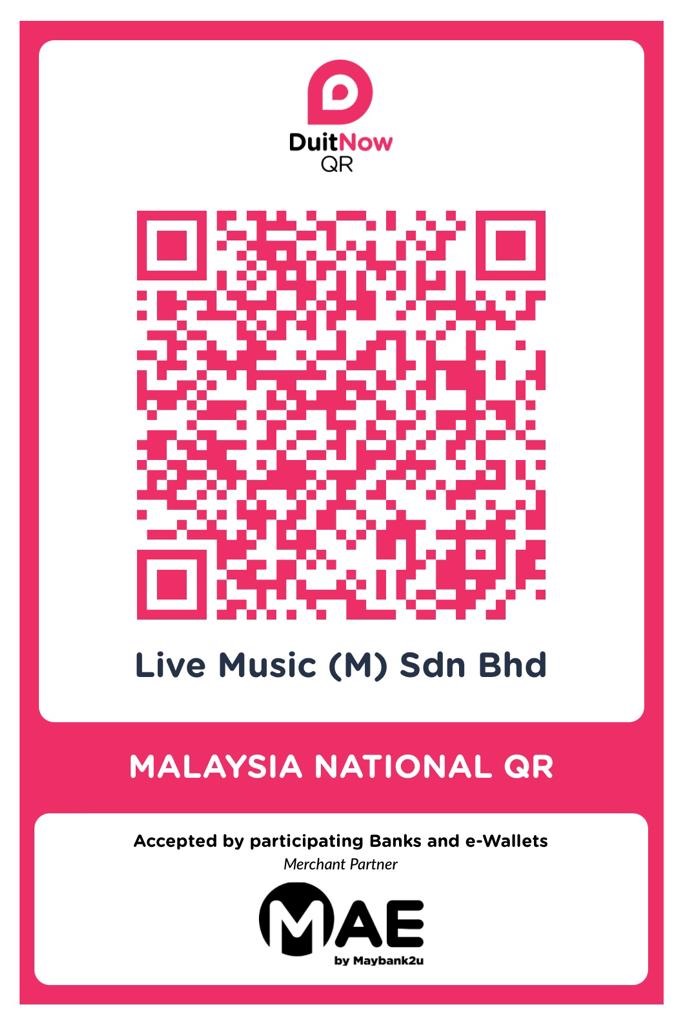
Maybank QRPay Payment Guide
- ✅ No hidden charges
- 💳 Applicable for purchases up to RM1,000
⚠️ Reminder: Please contact us to check on stock availability before placing your order, as stocks sell out fast.
How to Pay
All you need to do is follow these simple steps:
- 📱 1. Log in to your Maybank app
- 🔲 2. Select QR Pay
- 📷 3. Scan the QR Code & enter the bill amount
- 💵 4. Click Pay
📱 Kindly WhatsApp us your payment transaction slip or receipt to: +60 16-520 1066
Please include the following verification details:
- Name: ___________________________
- Contact Number: ___________________________
- Brand / Model / Color of Instrument: ___________________________
- Address: ___________________________